Your phone.
Their card.
Turn any compatible iPhone into a secure contactless reader. No terminal required. Same interchange + 5¢ rate as every other payment method.
From chair
to cleared.
Tap to Pay lives inside the same checkout you already use. Enable it once, then take contactless payments without leaving the ticket.
Enable once
Toggle Tap to Pay on in Settings. Apple verifies the device in about a minute.
Build the ticket
Ring up the cut like you always do. Services, products, tip — same cart.
Hold out the phone
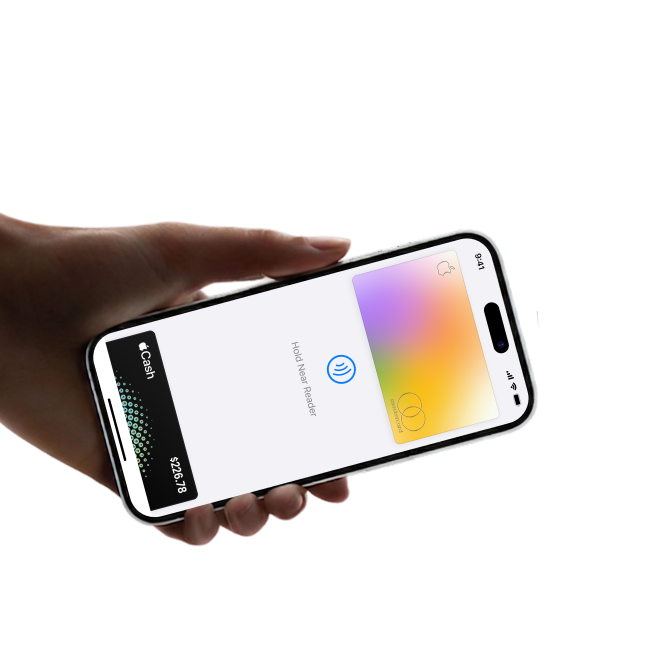
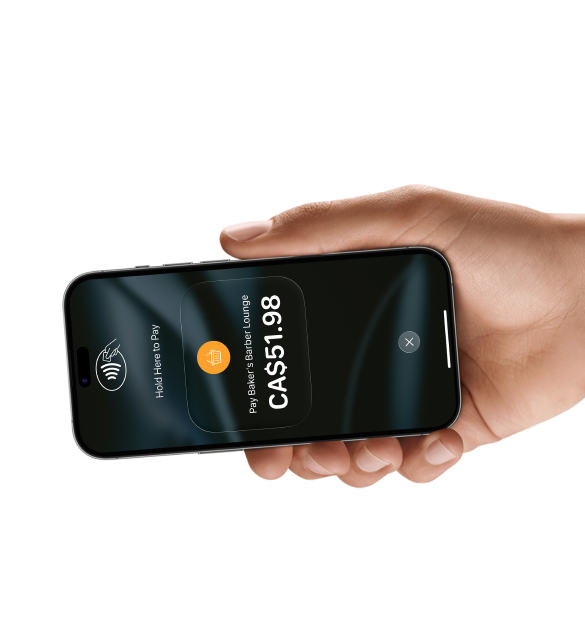
Your iPhone becomes the reader. Client taps their card, watch, or phone.
Move on
Payment clears, receipt goes out, and the ticket is already reconciled.
Accept cards without the hardware.
On any iPhone XS or newer, BarberFlow turns the phone in your pocket into a contactless payment terminal.
Built for the chair, not the counter.
Finish the cut, hold out the phone, and take payment without walking anyone to a terminal.
No hardware to buy
Any iPhone XS or newer is enough. No dongle, dock, or counter space.
Cards and wallets
Contactless cards, Apple Pay, Google Pay, Interac Flash — all of it.
Chip + PIN when needed
High-value Interac flows still have a path with the BarberFlow Reader.
Bank-grade encryption
Card data never touches regular storage. PCI-compliant out of the box.
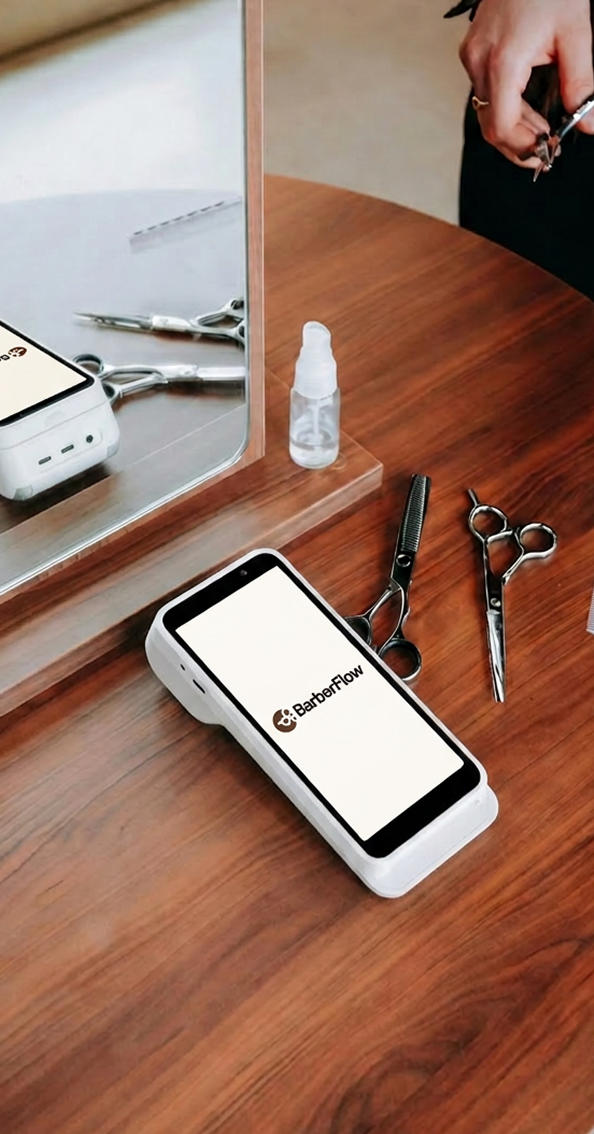
Prefer a dedicated reader?
Pair the BarberFlow Reader for chip, swipe, and Interac PIN. Same rate. Same receipts.
Secure by design.
NFC handshake goes straight to the Secure Element. Card data never lands in the app.
Interchange + 5¢. Across the board.
Card-present, card-not-present, Apple Pay, Tap to Pay — same pricing. Cash is free. Already on a better rate? We'll match it.
Common questions,
quick answers.
Do I need special hardware?
No. Just an iPhone XS or newer running iOS 16.4+.
How fast do I get paid?
Daily payouts to your Canadian bank account.
What about refunds?
One-tap refunds. Full or partial. No waiting for a pay period.
Start accepting cards tonight.
20-minute setup. Works on the iPhone in your pocket.